
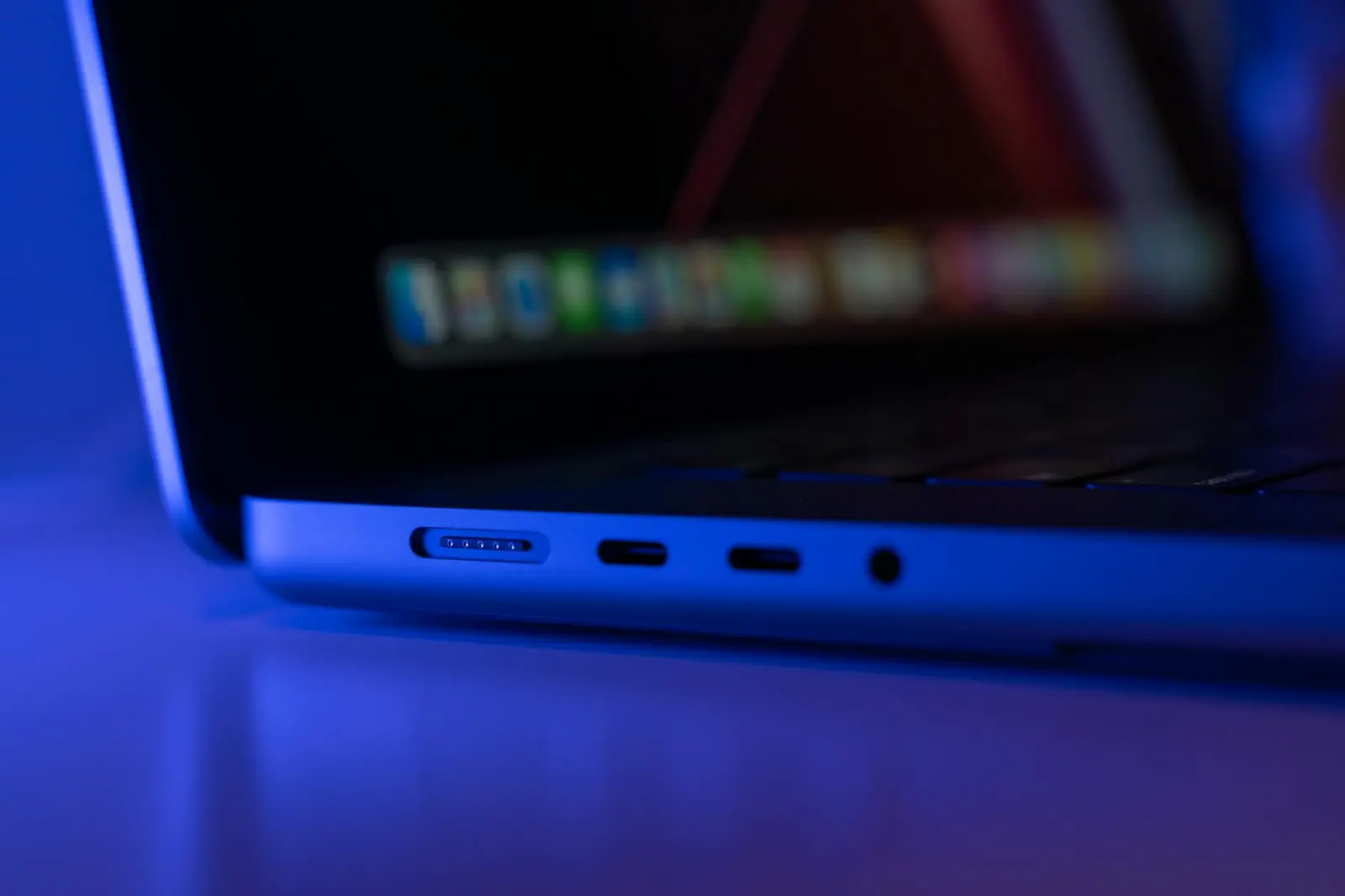
In my experience with various consumer devices, the presence of extra HDMI ports often goes underutilized. Many users find themselves with multiple ports available on their televisions, laptops, or gaming consoles, yet they frequently overlook the potential these connections hold. Over the years, I’ve encountered numerous scenarios where maximizing the use of these ports can enhance both functionality and convenience.
One common situation arises when integrating multiple displays. For instance, when working on a project that requires a dual-monitor setup, having an additional HDMI port can significantly improve productivity. Connecting a second monitor allows for more effective multitasking, whether for editing videos or simply having a document open alongside a web browser. However, this setup can lead to challenges with heat management, especially if both devices are under heavy use. It’s essential to ensure that the devices have adequate ventilation to avoid overheating, which can lead to performance throttling or, in some cases, hardware failure.
Another practical application I’ve noticed is using extra HDMI ports for audio setups. Many modern audio systems can connect via HDMI, allowing for a streamlined solution compared to the traditional array of cables. This can simplify the connection process for home theater systems, but it’s worth noting that not all HDMI ports support advanced audio formats. Users may encounter issues if they assume all ports are equal; it’s advisable to check specifications to avoid disappointment when trying to achieve high-quality sound.
Additionally, the integration of streaming devices has become commonplace. Connecting a streaming stick or box to an extra HDMI port can enhance your viewing options without cluttering your main setup. However, I’ve observed that users often forget to switch input sources, leading to frustration. This oversight can be compounded by the fact that some devices may not automatically switch inputs when powered on. Keeping this in mind can save time and enhance the user experience.
Over time, the wear and tear on HDMI ports can also present issues. Frequent plugging and unplugging can lead to loose connections, which may result in intermittent signal loss or degraded video quality. This is particularly noticeable in environments where devices are frequently moved or adjusted. Regularly checking the integrity of these connections is a good practice, especially under heavy use.
In my observations, while extra HDMI ports can offer numerous benefits, they also come with their own set of challenges. Understanding how to effectively utilize these ports while being mindful of potential pitfalls can lead to a more streamlined and enjoyable technology experience.